
I built my own CMS because I wanted to write inside the post I was publishing
For years I was paying Ghost $20 a month for an editor. Email subscriptions, premium pages, analytics, custom domains, paid templates. None of that mattered to me. I was using Ghost for the writing surface and the writing surface only, which made the bill harder and harder to justify.
When I rebuilt this site with Claude Code I exported everything out of Ghost, wrote a migration script to convert posts and chase down missing images, generated the markdown files, and landed exactly where every static-site generator drops you. Writing in a silo.
That’s the trade-off with static-site generators. The output is fast, cheap and yours. The input is either markdown in a folder, or a form on a hosted CMS (Sanity, Decap, Contentful) running on a server somewhere that pushes content into your repo. Neither one lets me see the finished post while I’m writing it.
Even narrating to Claude Code (which is fast) I still couldn’t tell what the article was going to look like on the page.
All I wanted was to write
Open a post in the browser. Click on the title, change the title. Click on a paragraph, change the paragraph. Save. That was the whole brief. The published page is the editor.
There are some old web tricks for this (contenteditable, a few solid editor libraries) so I described what I wanted and Claude pulled the pieces together.
I’ve iterated on it for weeks. It’s now quite complex.
As soon as it worked I wanted more
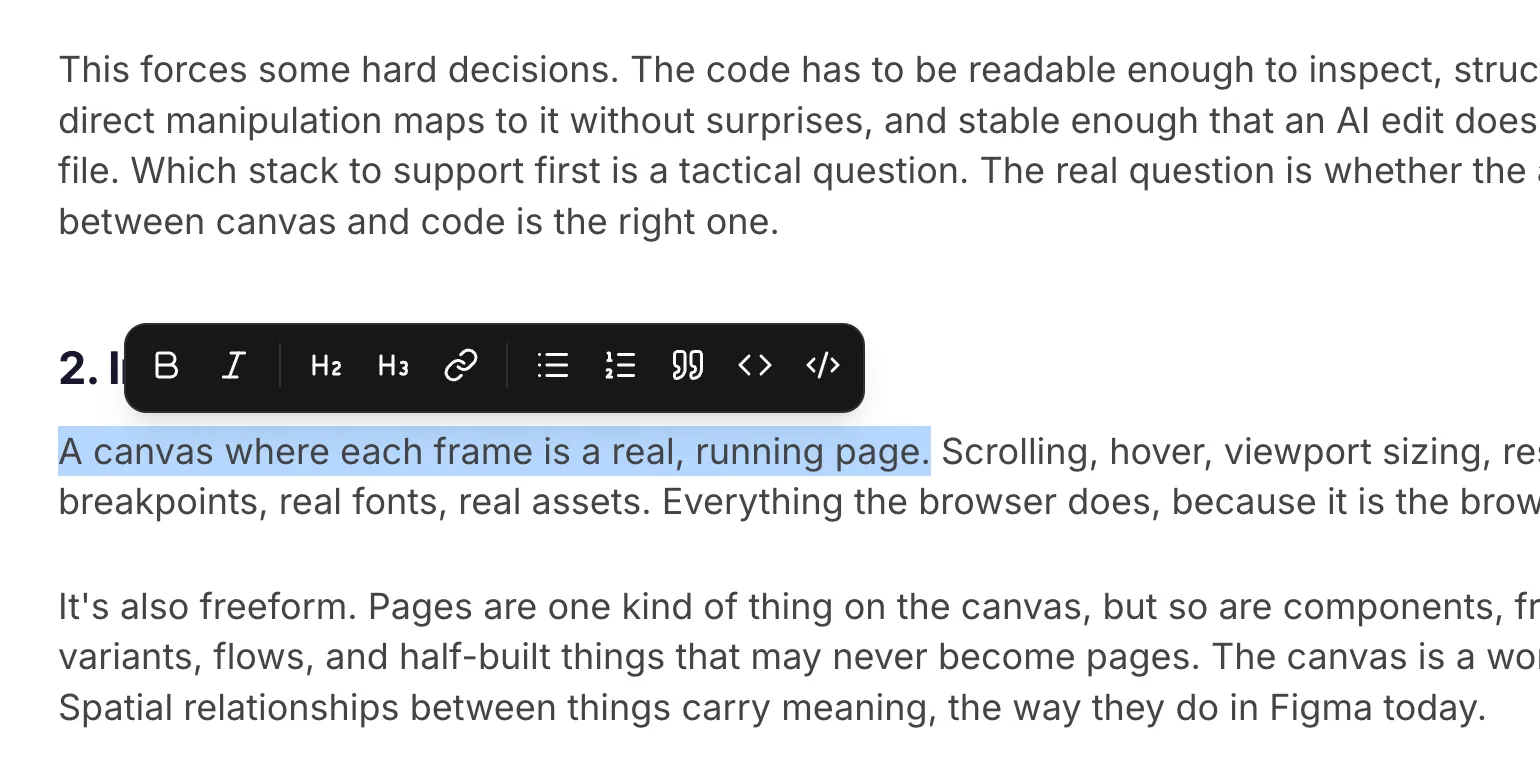
I started with text editing only. Could I click into a paragraph and change it? Yes. Could I save the result back to the markdown file on disk? Yes. The moment that worked, I wanted to edit more in this form.
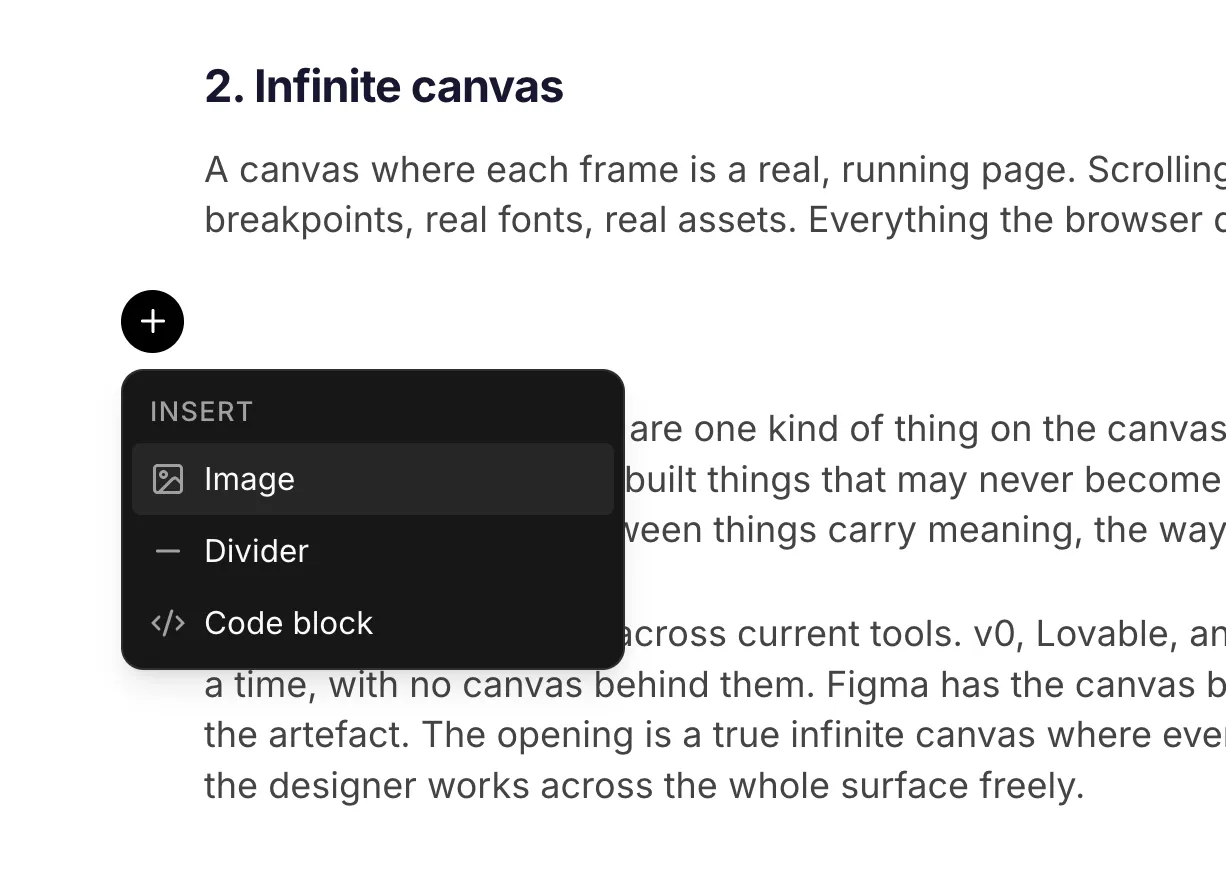
I wanted to insert images mid-paragraph. I wanted to add or replace a hero image. I wanted to mark something as a draft, set the publish date, add tags, pick a category. Each new capability changed what I’d try next.
When metadata wouldn’t fit on the page
My first attempt at editing metadata was to edit it in place. The publish date is rendered on the page, so click it and change it. The tags are at the bottom, so click and change them. Logical. It fell apart fast.
The slug isn’t on the page. The meta description isn’t on the page. Some fields (context, role, impact for case studies) aren’t on every page. I was inventing inline editors for fields that weren’t on the page, or weren’t conducive to inline editing at all. The editor became the design problem.
Yes I could have kept hunting for clever inline placements. But looking back at Ghost (and at every CMS I’ve ever used) the metadata is grouped in one place. A drawer, a sidebar, a settings panel. It works because metadata is something you tweak between writing sessions, not something you’re staring at while drafting.
So I built the drawer. Ooh, fancy. While the concept isn’t new, the fact that this is mine and mine alone, serving my needs, is amazing. I didn’t write a single line of code to produce it.
This is the final form of a designer. Creating the experience not just drawing it.
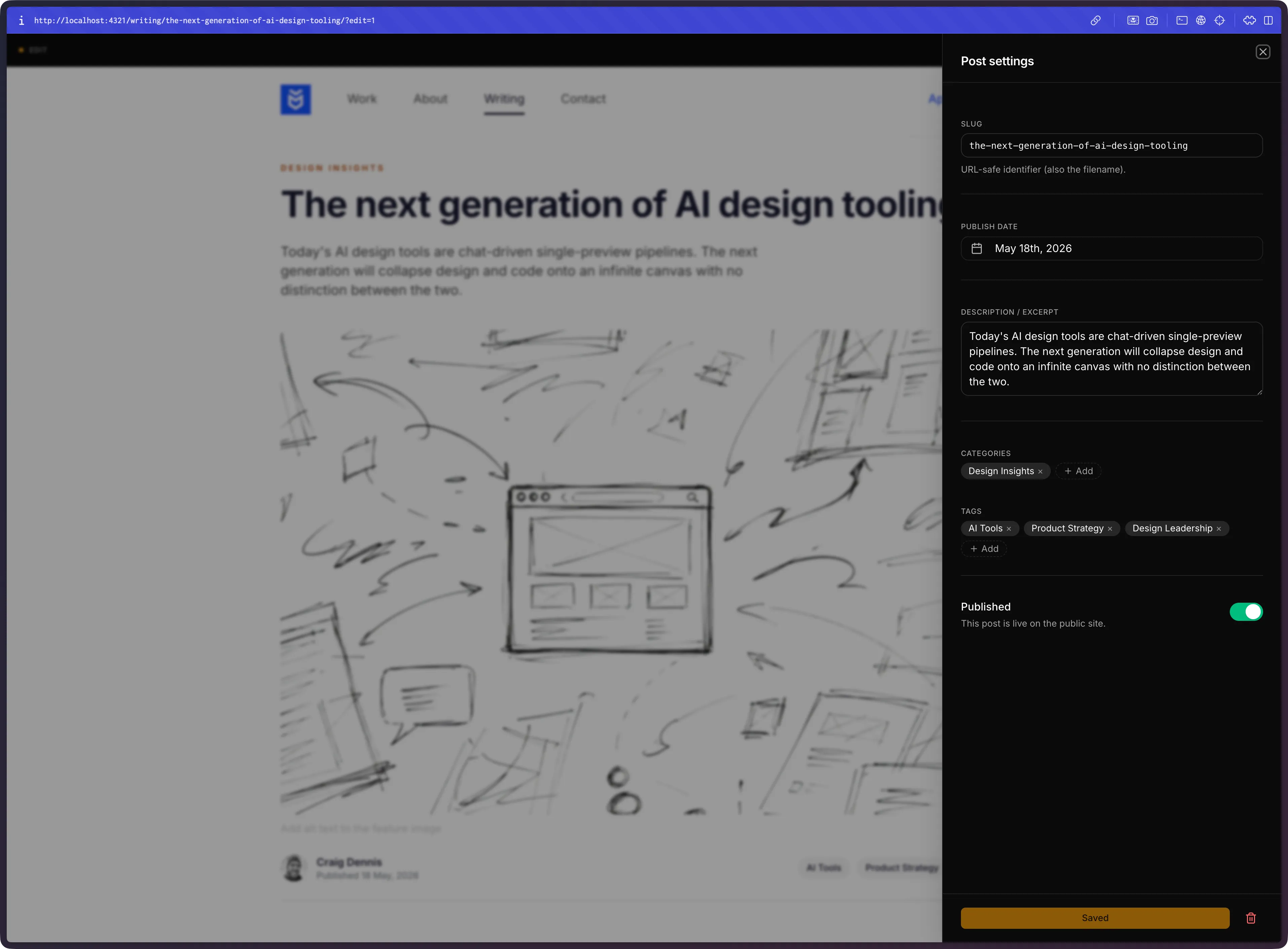
The drawer holds slug, publish date, description, categories, tags and a published toggle. For work case studies it adds context, role and impact. The schema is per-content-type, so any new collection I add gets its own set of fields in the same drawer without me writing new UI for it. I didn’t plan that. It fell out of how Claude wired the form to the content schemas the site already had.
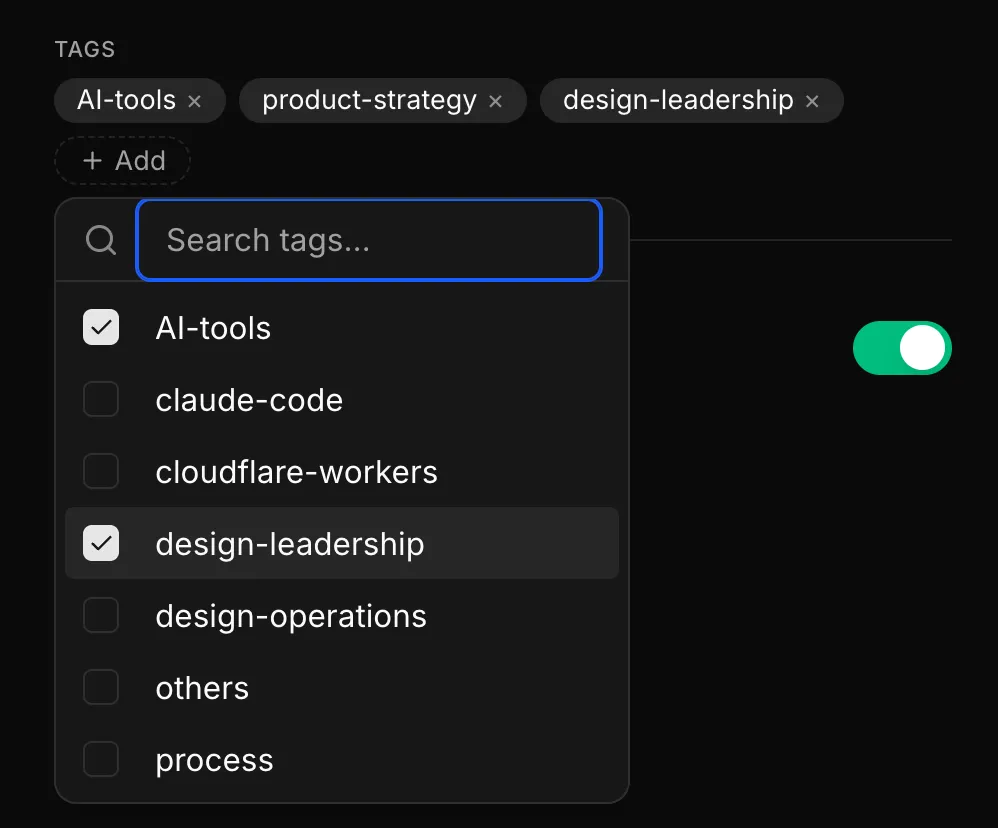
Oops, I forgot I was in edit mode
The second thing that broke was that I couldn’t tell when I was editing. I refreshed a page or navigated away and uh-oh. There goes all my work.
The whole point of the editor is that it looks exactly like the published post. Which means it also looks exactly like the published post when I haven’t started editing. Often I’d click into a paragraph expecting the cursor to land, and nothing would happen, because I wasn’t on the ?edit=1 URL.
So I added a toolbar at the top. A small EDIT indicator on the left. A button on the right to open the drawer. A save button that lights up amber when the document is dirty and goes quiet when there’s nothing to save.
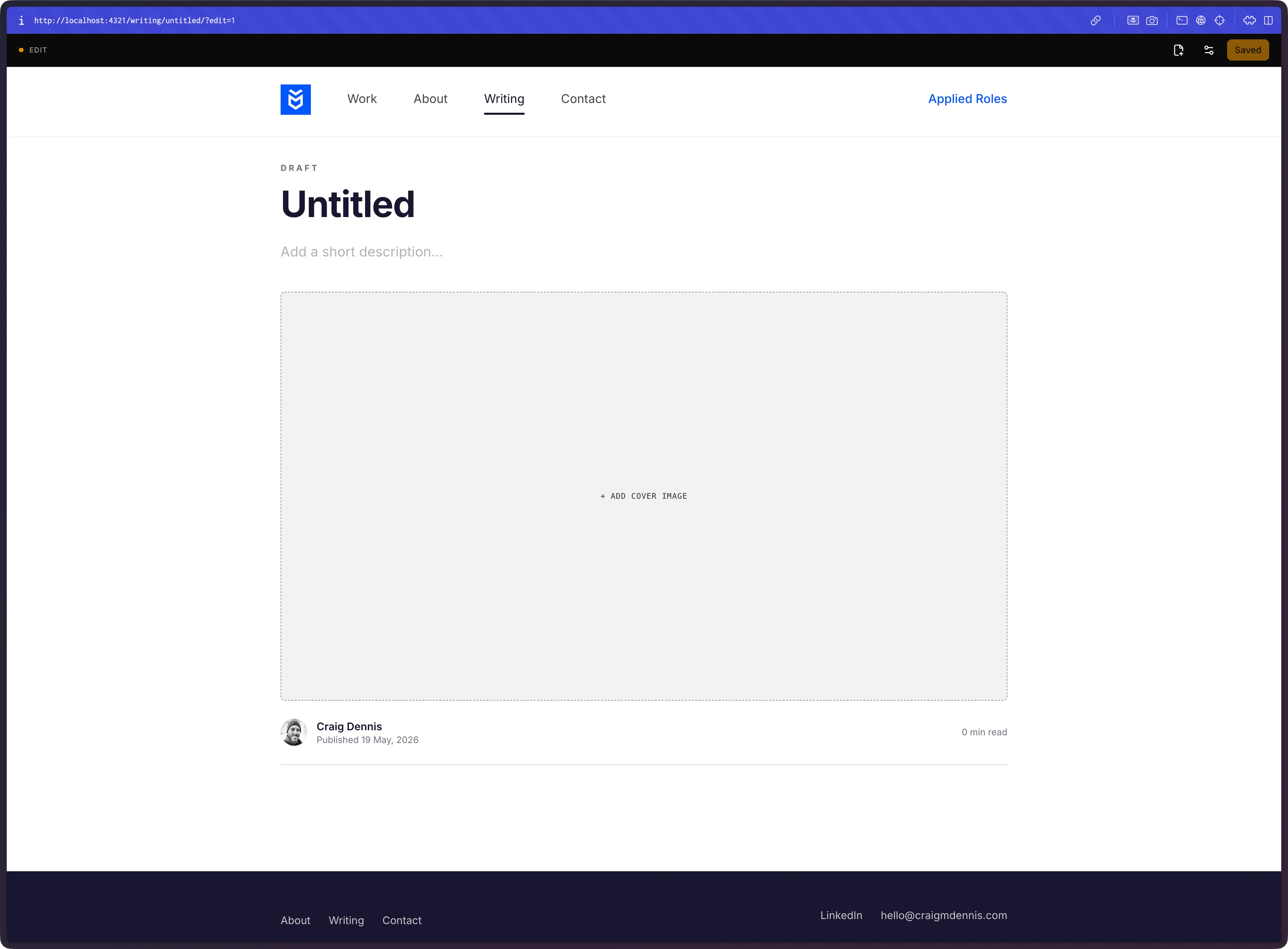
The dirty-state save button does more than it looks. It was the only visible signal that something had changed. No autosave, no toast, no ‘draft saved’ mini-notification. This led to the next challenge, undo and reset. What if I didn’t want to keep the changes? A ‘reset’ link pulled double duty; it reinforced the dirty state and gave me a quick way to start over. Yes, I could have just reloaded the page but this felt more deliberate.
Decoupling the save for what comes next
Right now this only runs on my machine. Locally, against the file system, against my repo.
When I described what I wanted, I asked Claude to keep the save step separate from the editor,so the editor doesn’t know or care where the save goes. Locally it writes to disk.
In the future I want it to sit behind Cloudflare Access, hit a save endpoint that commits to the repo, and let Cloudflare Pages rebuild the site on push.
This post was written inside the editor it describes. I opened my site, clicked into the rendered draft, and typed. The page you’re reading is what I was looking at while I wrote it. That was the whole point.
I won’t be publishing the code just ye. It’s AI-written, specific to my site, and I’d rather not manage issues on a project I built for myself. However I do think this could be bundled into an Astro addon that could be a ‘drop-in-and-go’ solution for a Ghost-like CMS.