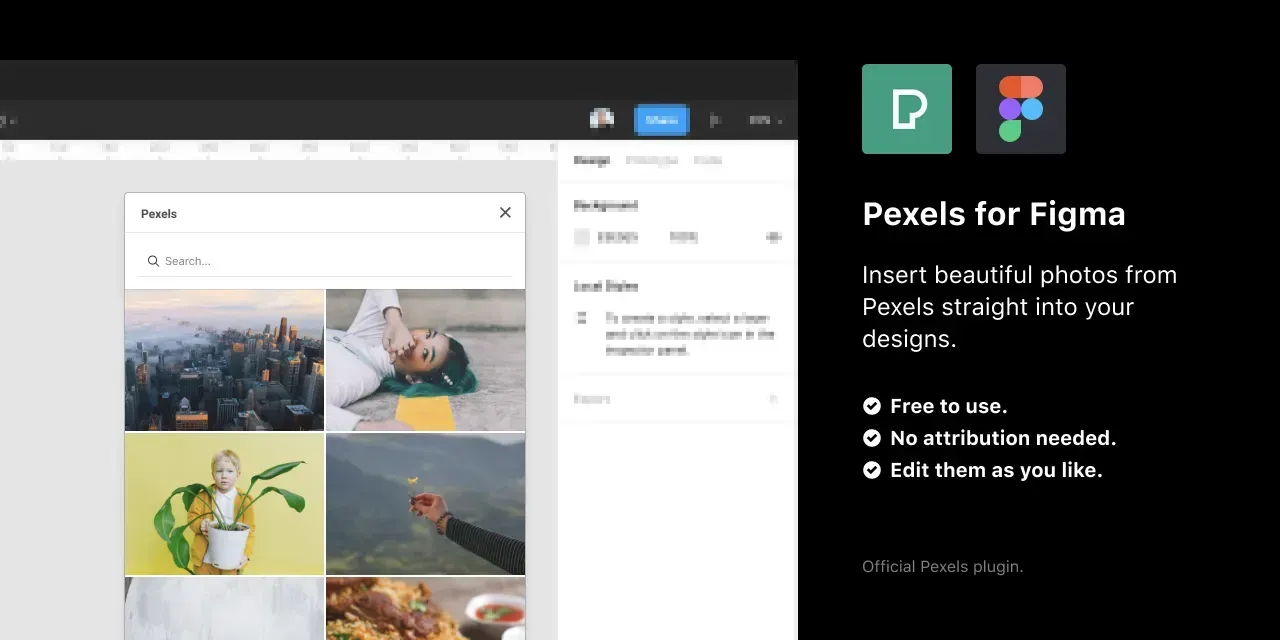

I wanted some stock photos for a design and found there wasn’t a Pexels plugin for Figma. That annoyed me.
I’m a product designer, but I’m also an amateur photographer and a Pexels contributor with over 25 million views on the platform, so I already knew the library was good and that I’d keep using it. Leaving Figma to search the Pexels site, download a photo, and drag it back in was a few steps too many when you’re mid-design. If I needed it, someone else probably did too.
I’d only built simple plugins before
I’d previously cobbled together a couple of basic Figma plugins, so I wasn’t starting cold; but I’d never worked with an API before, and a photo-search plugin is mostly API. I wondered how much of a stretch it would be.

It was a good one to take on. I built the search, the results grid, and the drop-into-canvas flow, and because I can’t leave these things alone, I added an empty state and skeleton loading states too.
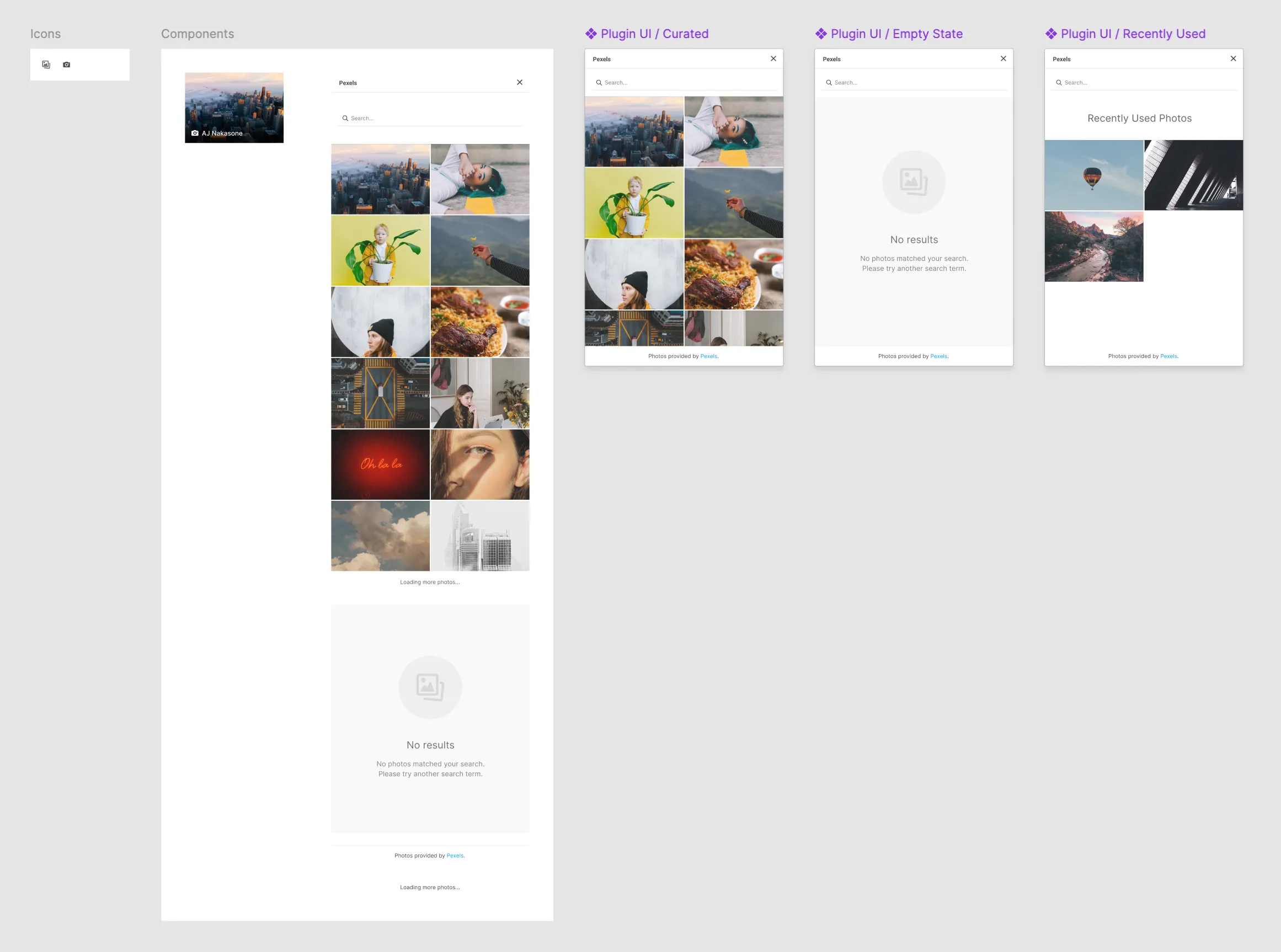

I couldn’t decide whether to use the existing blue branding I’d used for my other plugins or to lean in more to the Pexels branding. The risk was that people would think it was official when it wasn’t. I decided to lean that way anyway.
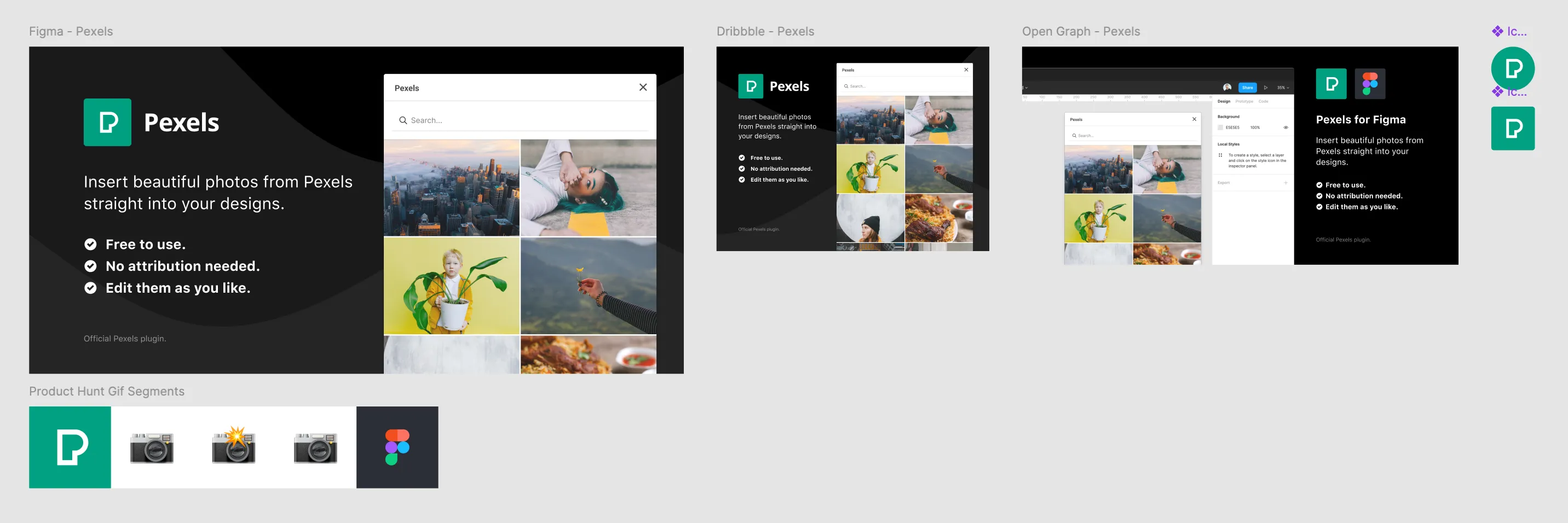
Once I had a working version, I then focused on refinements. Pexels encourages (but does not require) attribution. As part of their API, they have photographer and image details available. Meaning I could rename the shape layer to be the name of the photographer to grant some kind of attribution inside Figma! I also added a hover state showing the photographer’s name in the actual plugin.
Pexels reached out before I’d pitched it anywhere
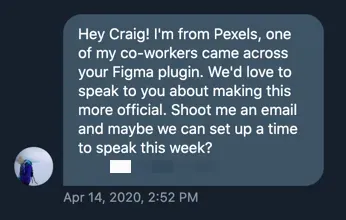
I posted about the build as I went and @ mentioned Pexels in a few of the updates. Maybe unsurprisingly, they noticed. A few days later this DM arrived:
From there it moved quickly. Pexels interviewed me about how the plugin came about and published the story on their blog and Instagram, and my side project became an official, Pexels-branded plugin.
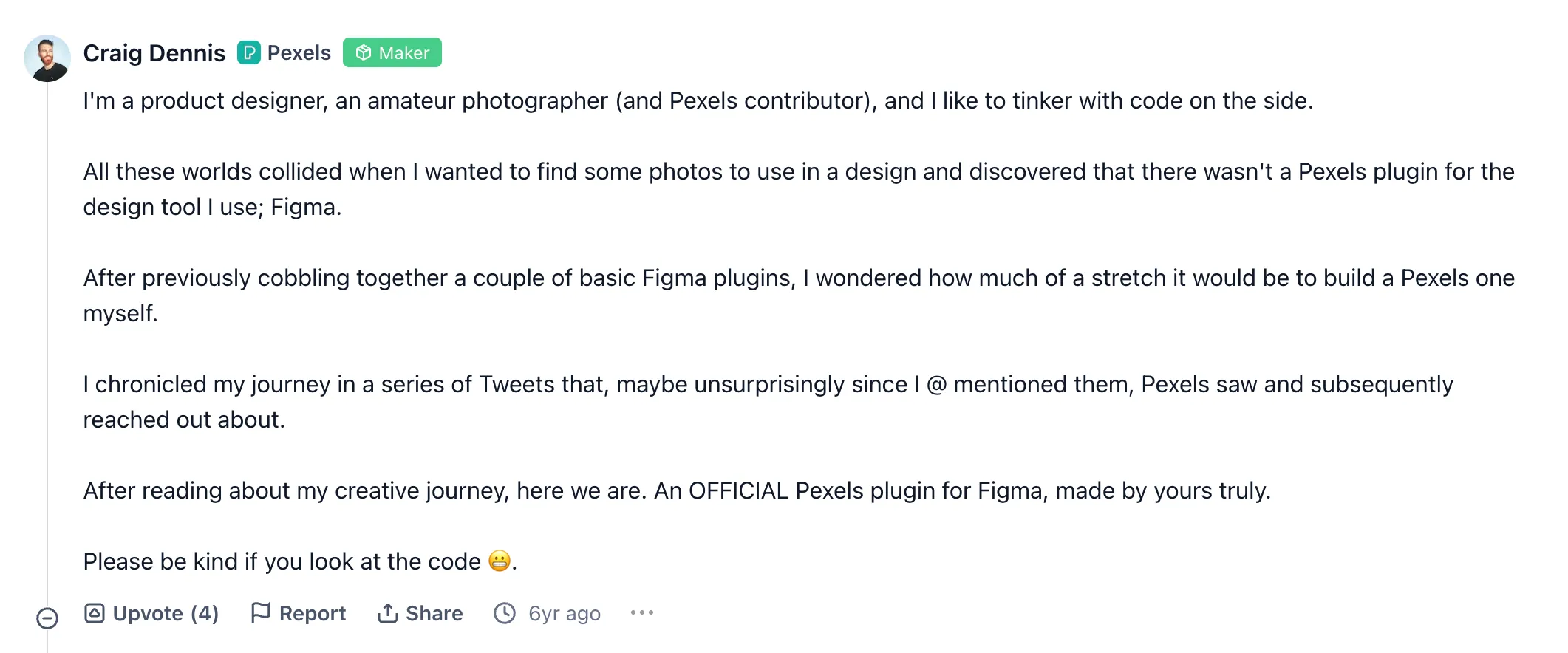
I also launched it on Product Hunt to push for a bit more reach.
I wish I hadn’t transferred the repo
Pexels eventually took the plugin over outright, which is the right home for it; the version they maintain today has over 420,000 users. When I transferred the repository, though, I handed across my source code and I didn’t keep a copy of my own version. I wish I had. It was the first real thing I’d built against an API, empty states and all, and I’d like to still be able to open it up and look.