
Designing an invisible premium radio product for people who hate technology
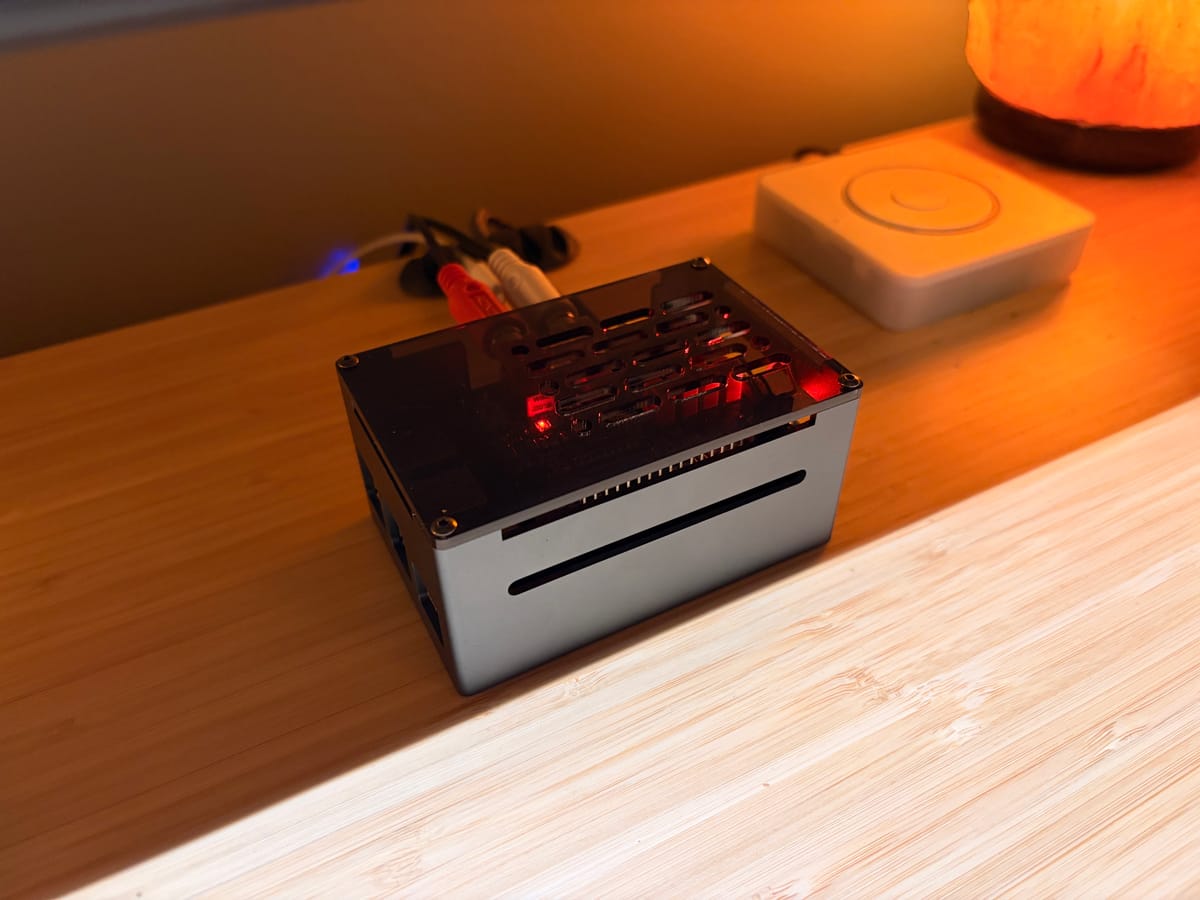
My dad has been asking the same question for months: "How can we listen to Greatest Hits Radio ad-free in the kitchen? They have an app...".
The kitchen is a sacred space for my mother—a self proclaimed technophobe—and the only technology allowed is a 10 year old Denon Hi-Fi system and a landline telephone.
They actively want to give this service their money and technology is making things harder. The irony wasn't lost on me.
I'm a designer. I work in tech. I should be able to figure this out... right?
I am not the user of this hypothetical system (my whole house is smart-ified) but I know how to map experiences and design for constraints.
Don't reinvent the wheel
I can't be the only one to face this issue, or a version of it. I knew I'd want to run... whatever it ends up being... on a Raspberry Pi so I searched for ways they can stream radio and found Lyrion Music Server which has plugins that support the station I needed! Install it, add the plugin, log-in, click play and DONE.
This worked surprisingly well, with one small caveat. It was unstable, and difficult to automate.
My goal is an always-on device that plugs into the AUX input on the Hi-Fi; effectively making that input the 'Ad-free radio' input. It also needs to start, connect, and play automatically.
Troubleshooting for my parents needs to be no more complicated than "unplug it and plug it back in".
Designing their experience
Plug in the device → Radio starts playing
It really needs to be that simple. That level of simplicity is, in fact, incredibly difficult to achieve.
- With no interface, what feedback do they need as to the state of the player?
- What if the wifi goes down?
- What if the radio stream has issue?
- What if their subscription expires?
- How can they connect it to their Wi-Fi?
- How do they sign in to the premium radio?
- What instructions do they need to set up the device for the first time?
My approach
Boot sound —Acknowledge that the device is on (there are also some LEDs as visual indicators). Unfortunately there is no way to create a true boot sound and nor is there an onboard speaker so playing this after 20 seconds will have to do.
Status messages — Spoken messages (rather than sounds) that loop every 30 seconds that include instructions on how to 'fix' the issue "Turn it off and on again". I used ElevenLabs to generate messages in an approachable British accent.
Auto-connect — I know their Wi-Fi name and password so I created a dummy Wi-FI network to test. This should allow the device to connect automatically when it arrives.
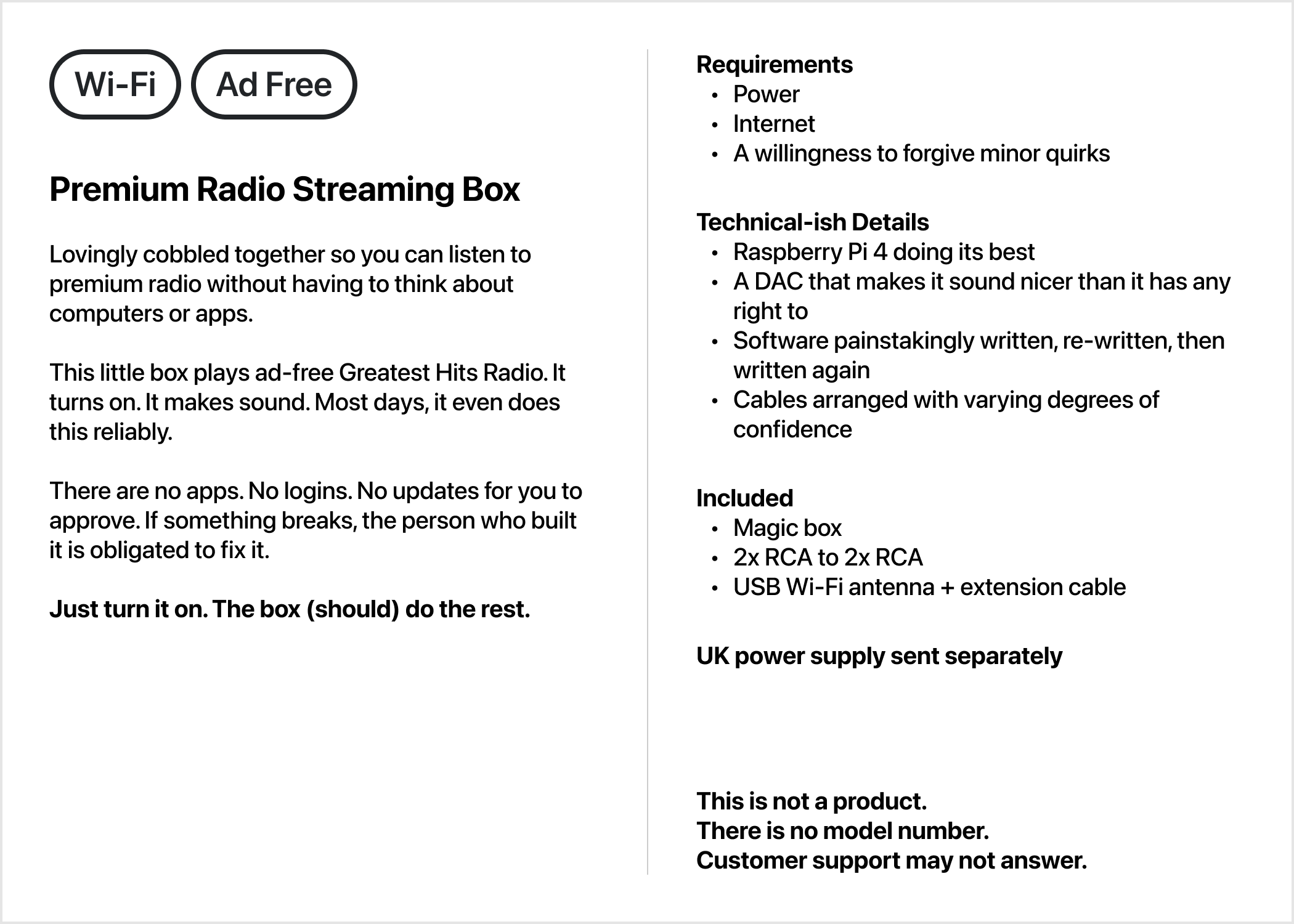
A quick-start guide
I designed and printed a card to sit just inside the lid of an Apple TV box that I'm shipping everything in. My dad will set it up and he's more tech-savvy. This was just a bit of fun.
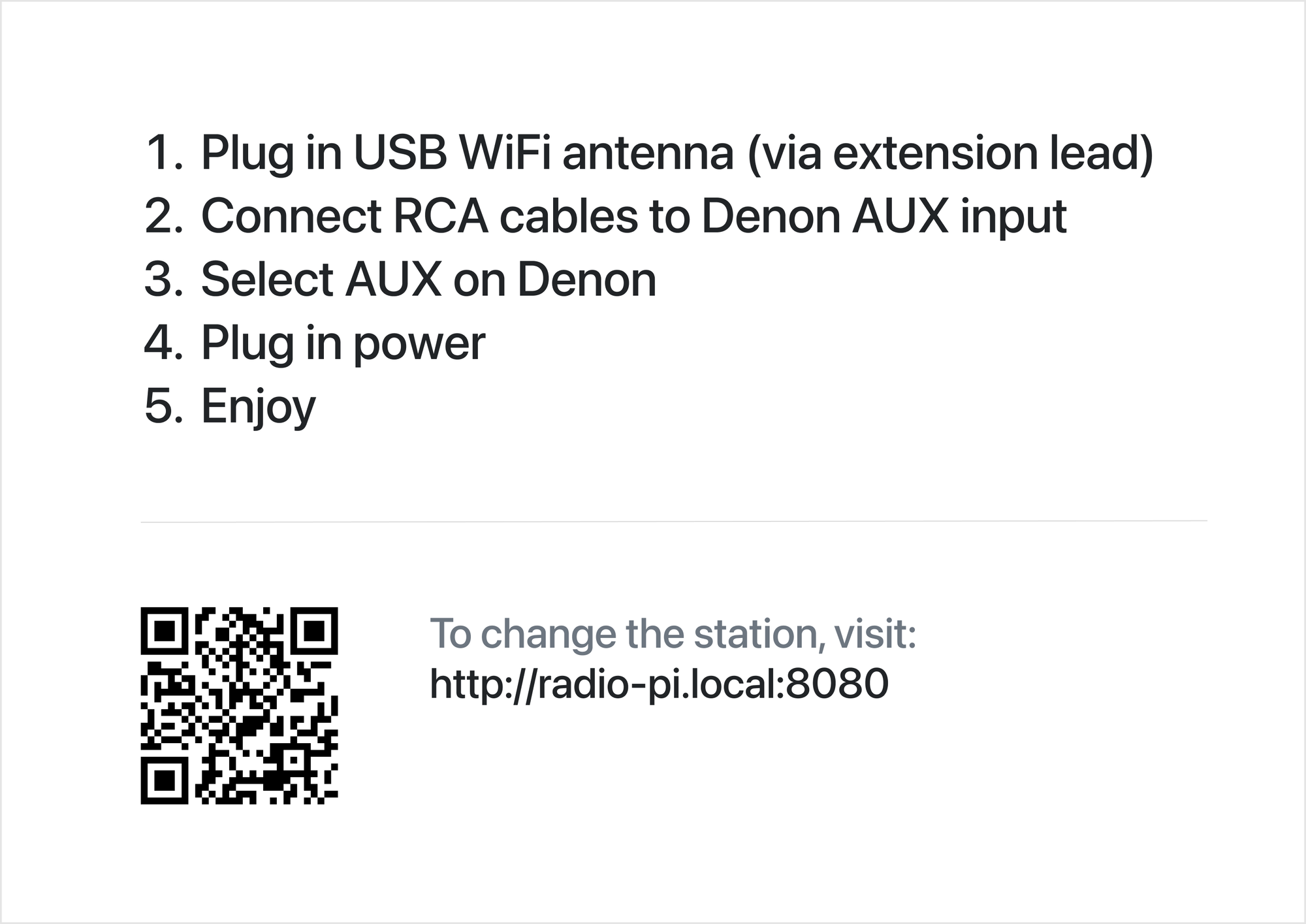
Great! Now they know to plug in the antenna first, where to plug in the cables, and what to do before turning on the device (so they can hear the personal message I've recorded for when the device is warming up).
Packaging
Why stop at a quick-start guide? Let's cover up the fact that it's an Apple TV box. After all I don't want them to think I've bought them an actual Apple TV; that's the last thing they want.
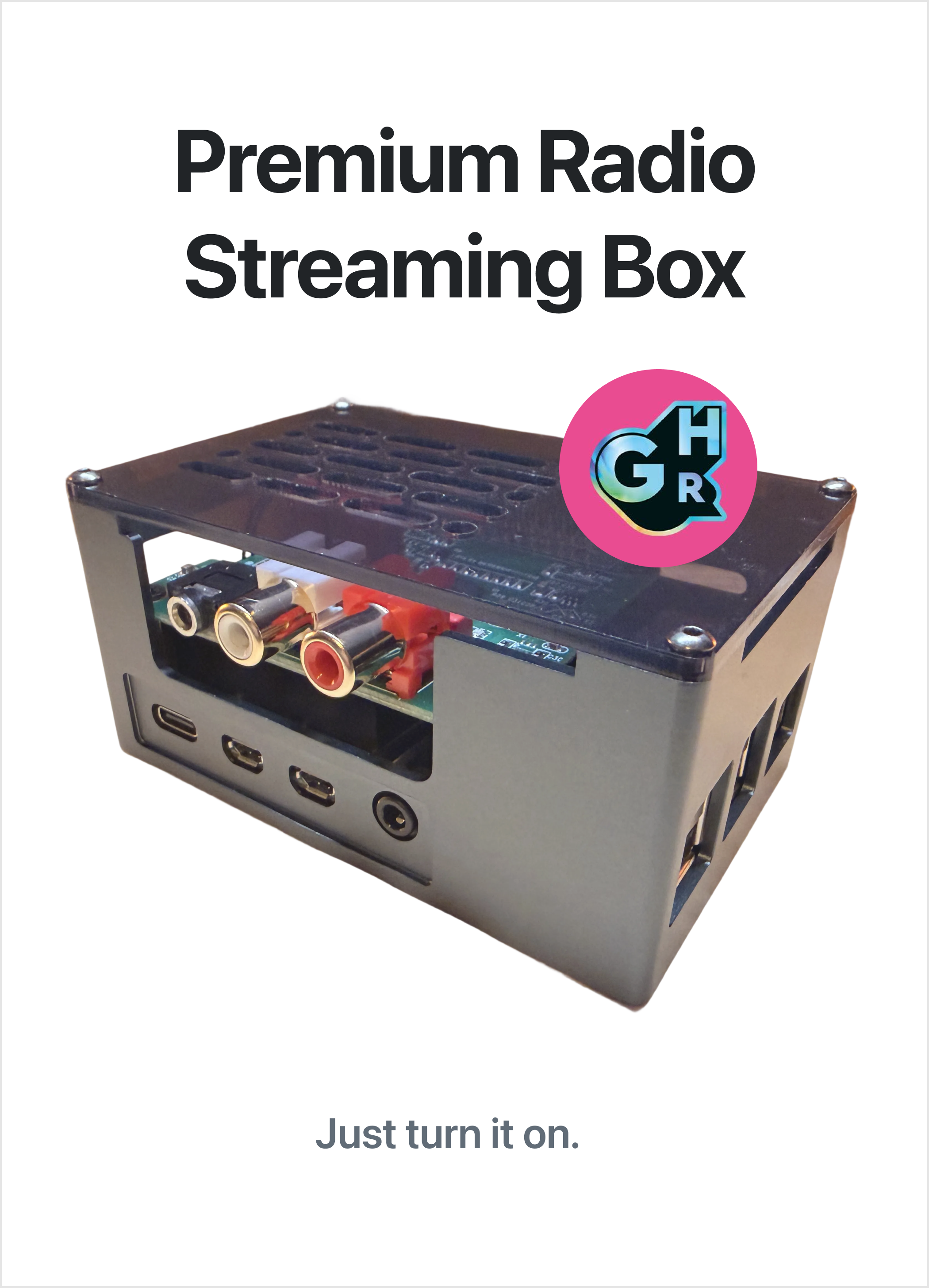
I had some fun copying the technical details from the side of the Apple TV. I don't know if they'll read it but it was fun and tongue-in-cheek.
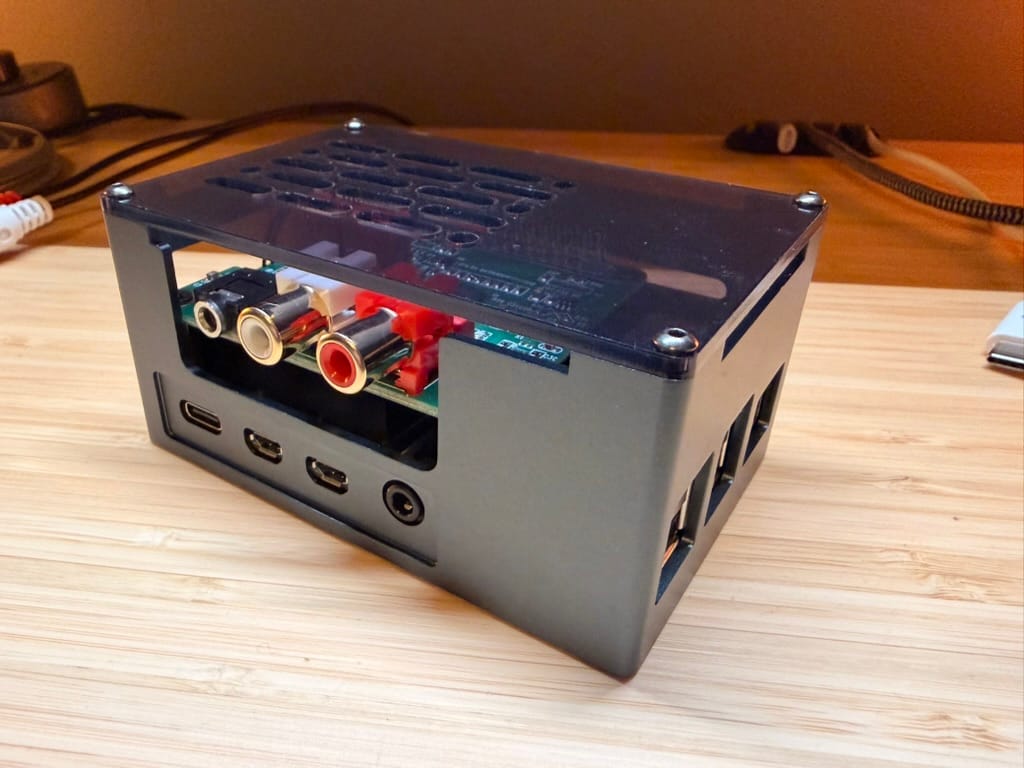
The finished product
The always-on, zero-setup, plug-and-play Premium Radio Streaming Box.
Designing my experience
I'm going to be the one who is administrating this and fixing anything that breaks; but how can I do that from 2500km away? And how can I make my experience less painful and maybe even enjoyable?
Usability of a CLI utility
As I used the terminal more I realised that it, too, requires the same care and attention as any other interface. How can I make this intuitive, predictable, and usable. I found a great resource https://clig.dev/ which has a wealth of HCI guidance for terminal output.
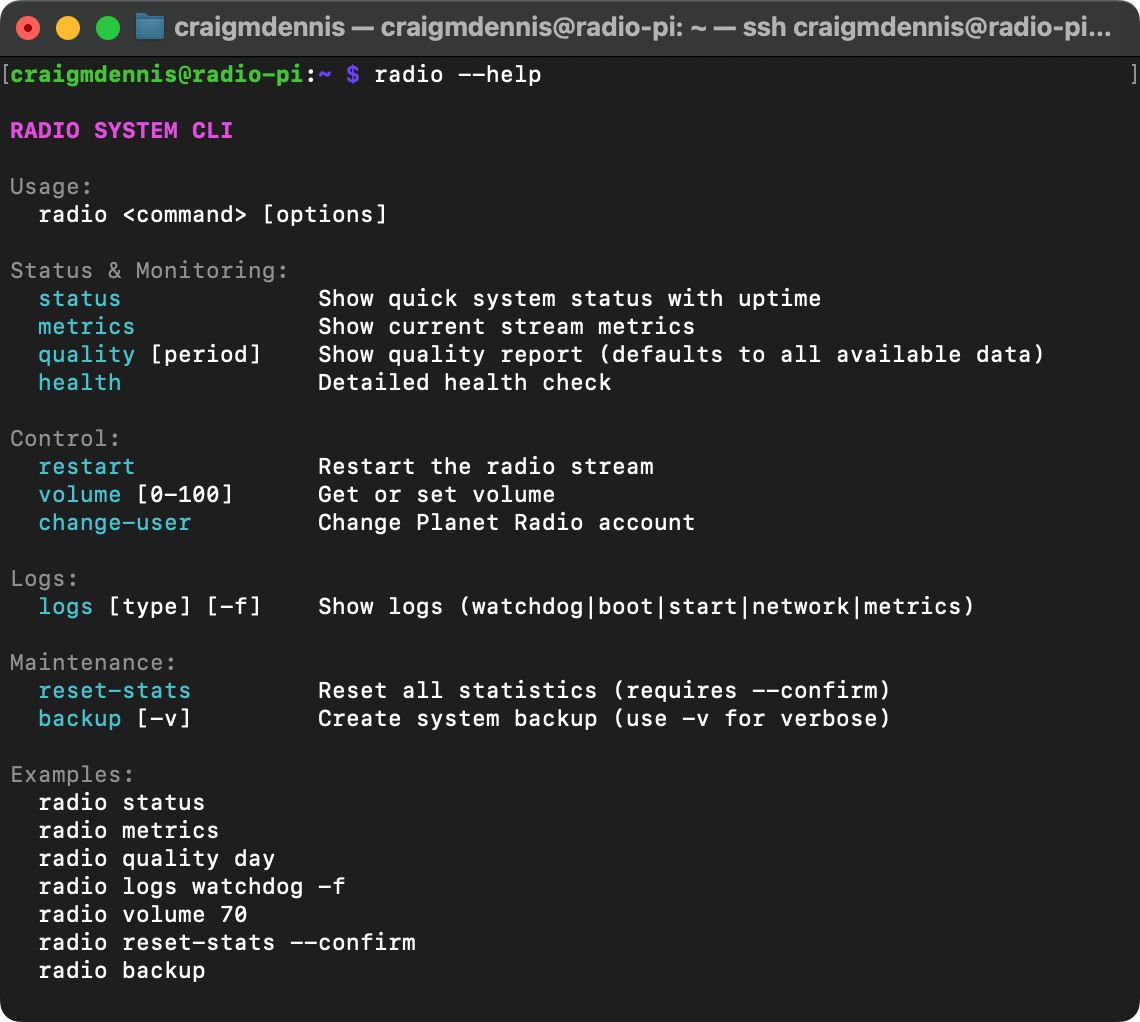
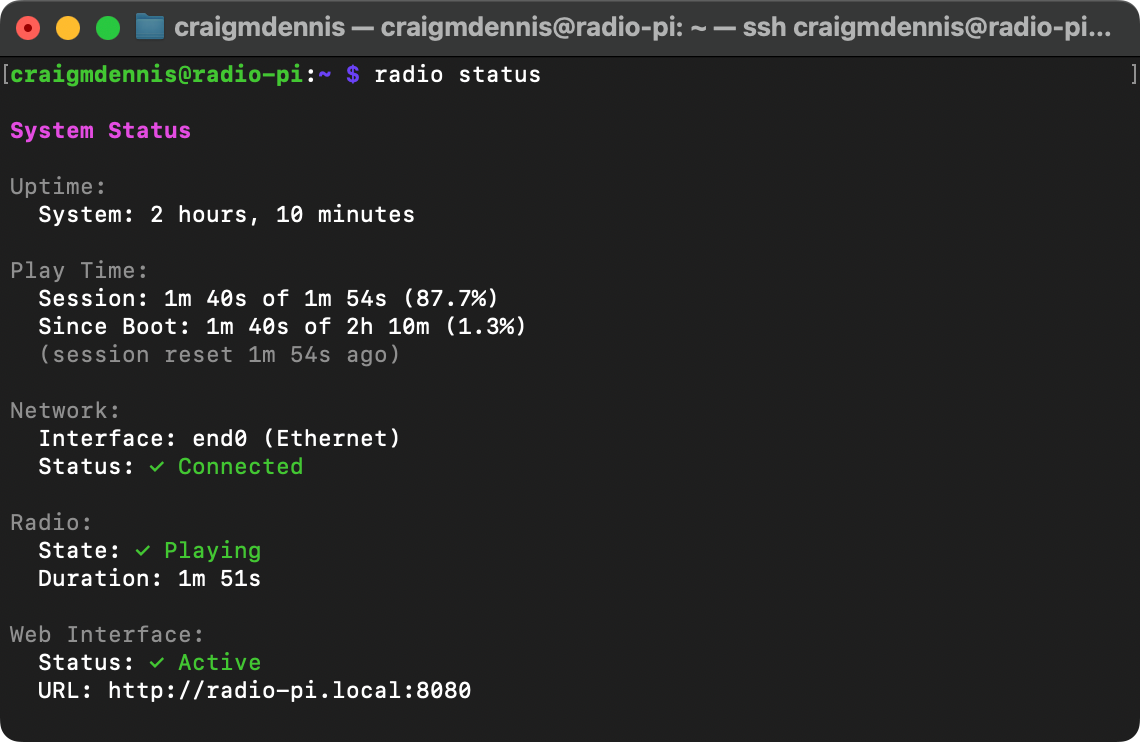
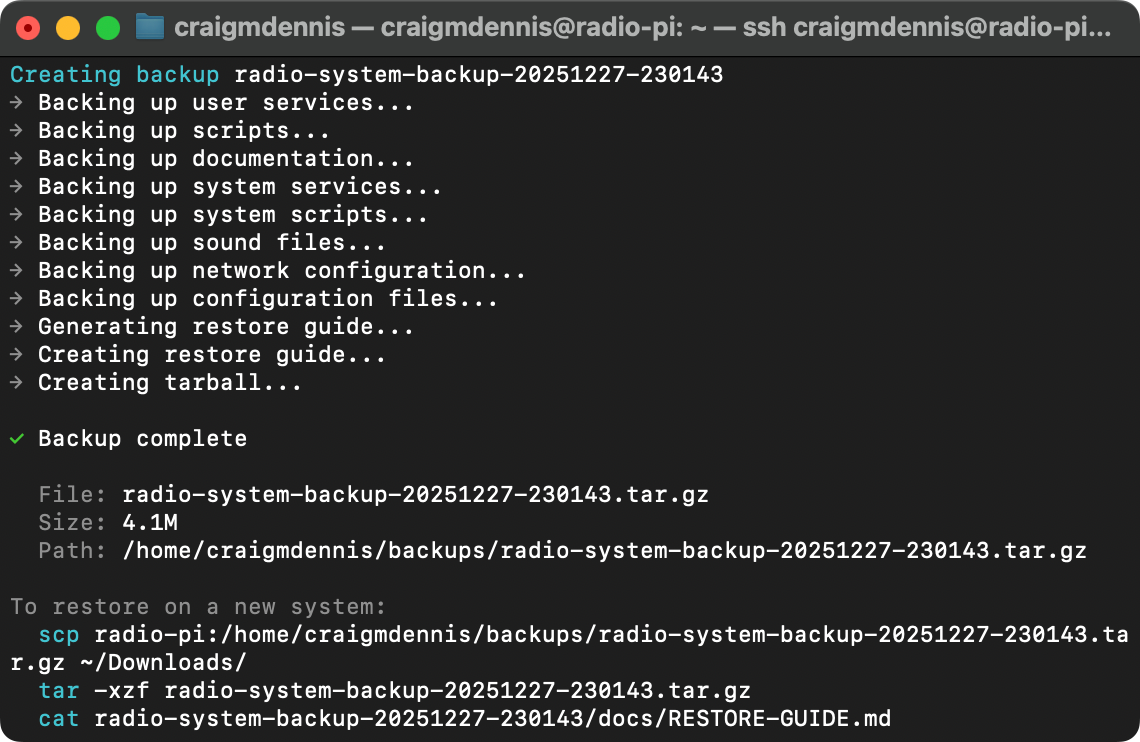
Access — I can use Tailscale to ssh into the Pi as if it were at my desk.
Monitoring — I already use Uptime Kuma on my homelab so I can add a monitor for the Tailscale IP of the device and detect basic connectivity issues.
Logging — I added detailed logging to track down issues and get a radio 'uptime' percentage. I want over 95% because this is a set and forget, always-on device.
Watchdog — I need someting that actively monitors internet connectivity, audio output, memory usage etc. and can restart services or the whole device automatically if necessary.
Backup — I want to be able to back up all relevant files that I change. I also want to include included a restore document for file locations and commands to run after.
Readme — I don't know when the next time I will need to do any work on this machine. I will forget what I've done, why, and where. Keeping a README.md file on disk means I'll be able to get up to speed quickly. It should also be backed up.
Code in this project was written by Claude Code installed on-device.